In the series Typesetting TeXniques, we share our expertise as professional copyeditors and typesetters of mathematics. We frequently hear from authors that our work makes their papers better. This is how we do it.
The images in a published paper should be crisp. For most cases in math, this means the images should contain vector graphics, with no raster components. (We note two exceptions at the end of this post.) Understanding the difference between vector and raster graphics will help you make sure your work looks its best. It also may save you some trouble: if you are an author whose accepted paper contains raster images, a production editor may ask you to recreate your graphics before the paper can be published.
Why vector graphics for crisp images? #
There are two ways computers store the data for graphics: vector and raster (the latter are also called “bitmap images”). What’s the difference? Basically, vector images contain a description of geometric objects, and raster images contain a description of the color of each pixel.
Suppose we want a computer to display a black arrow on a white background. One strategy is to tell the computer where the arrow starts and ends, how thick the line should be, and what shape to draw the arrowhead. Another is to feed the computer a list of dots, some white and some black. The computer has no idea what type of object it’s displaying, but the dots make up the image of an arrow.
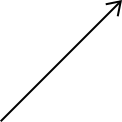
Sometimes the difference might not be noticeable, at least at first.
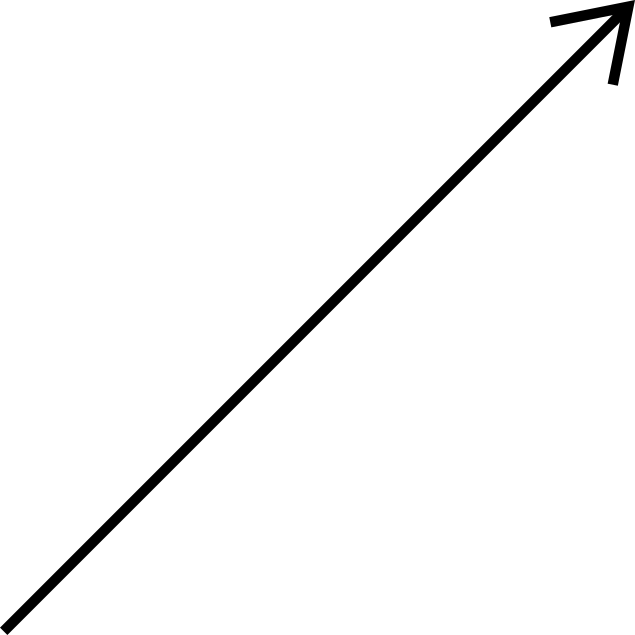
However, if we zoom in, the difference becomes apparent: a raster image becomes fuzzy.

Why is this? If we start out with a list of dots, we can tell a computer to make the dots bigger, but we’re still stuck with the same information we started with. That’s why we lose detail when we increase the size. If a computer instead has a vector image containing a list of instructions for drawing a picture, when we scale it up the computer draws the same picture with the same clarity, but bigger.
Are my images vector or raster? #
If your file is a .png or .jpg, it is always raster. If it is a .pdf, it can contain both raster and vector components, since .pdf files can contain embedded raster pieces (often, text used to label the images). You can check by zooming in as far as your PDF viewer will allow. If the edges stay sharp, your image is likely vector.
How can I create vector images? #
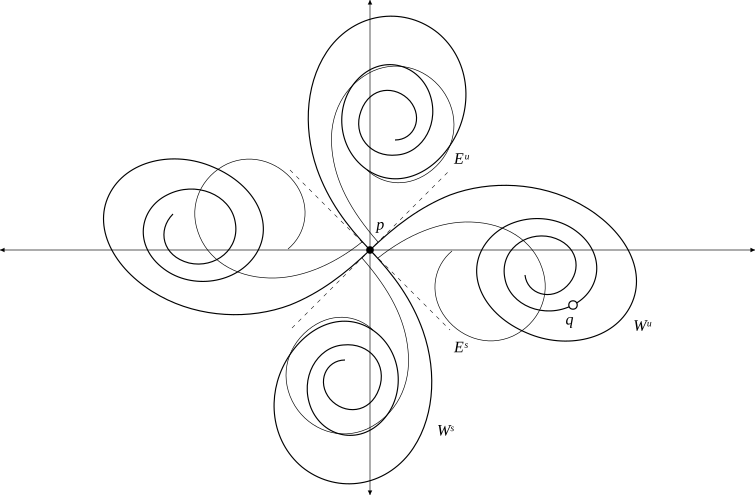
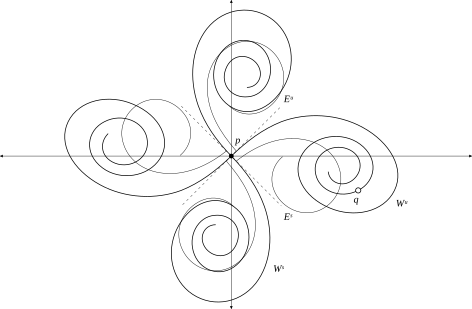
Adobe Illustrator and Inkscape are some common vector graphics editors, and the latter is free and open-source. Just make sure to export your finished image to a file format capable of supporting vector images, such as .pdf, and not, for example, to a .png or .jpg file. (The first of the two images above was created as an .svg file; the second is that image exported from Inkscape as a .png file.)
When are raster images unavoidable? #
For pictures taken with a camera, vector graphics wouldn’t be useful — the real world isn’t generally made up of simple geometric shapes with hard edges.
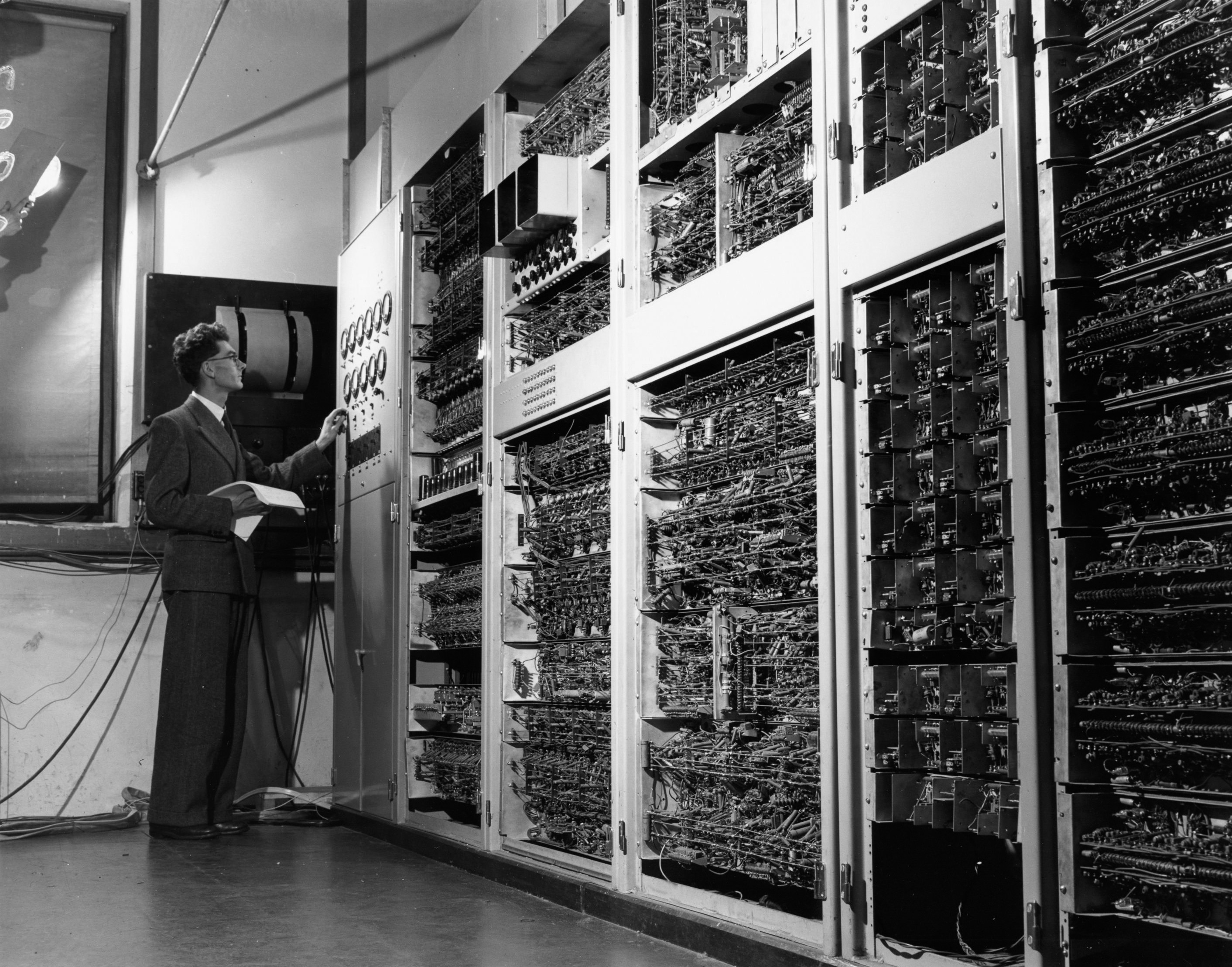
There are also some programs (most commonly those used to display three-dimensional objects) that cannot export vector images.

When using one of these programs to generate graphics, the best option is to export your images at as high a resolution as the program will allow. Similarly, photos should be of high enough resolution that their appearance remains crisp under scaling.
Header image by Brecht Corbeel, available from Unsplash. Free to use under the Unsplash license.
Photo of Trevor Pearcey in front of CSIR Mk 1 (CSIRAC) from Museums Victoria Collections. Public domain.
Blue trefoil knot by Jim.belk, available from Wikimedia Commons. Public domain.